Skip to main content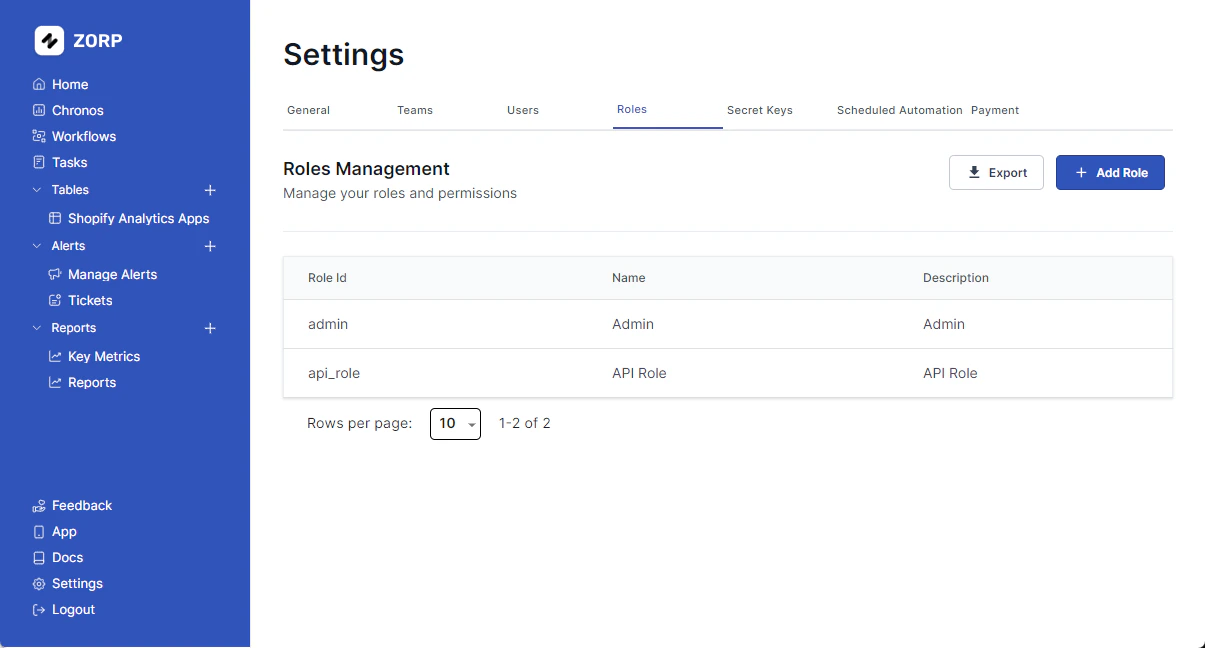 Roles are a way to manage permissions for your users. You can create roles and assign them to users. Each role can have a set of permissions that define what the user can do in the app.
Creating a New Role
To create a new role,
- Click on the
Add Role button.
- You will be prompted for a
name and a description .
- Hit
Create Role .
You’ve successfully added a new role.
Managing Role Permissions
Follow these steps to manage permissions.
- Select the Role you want to edit.
- Click on
Edit button.
- Select or deselect as per the actions you want the role to perform.
- Hit
Save .
Cool Add Ons
You can also Export your role and permissions. Just saying. 
