Skip to main content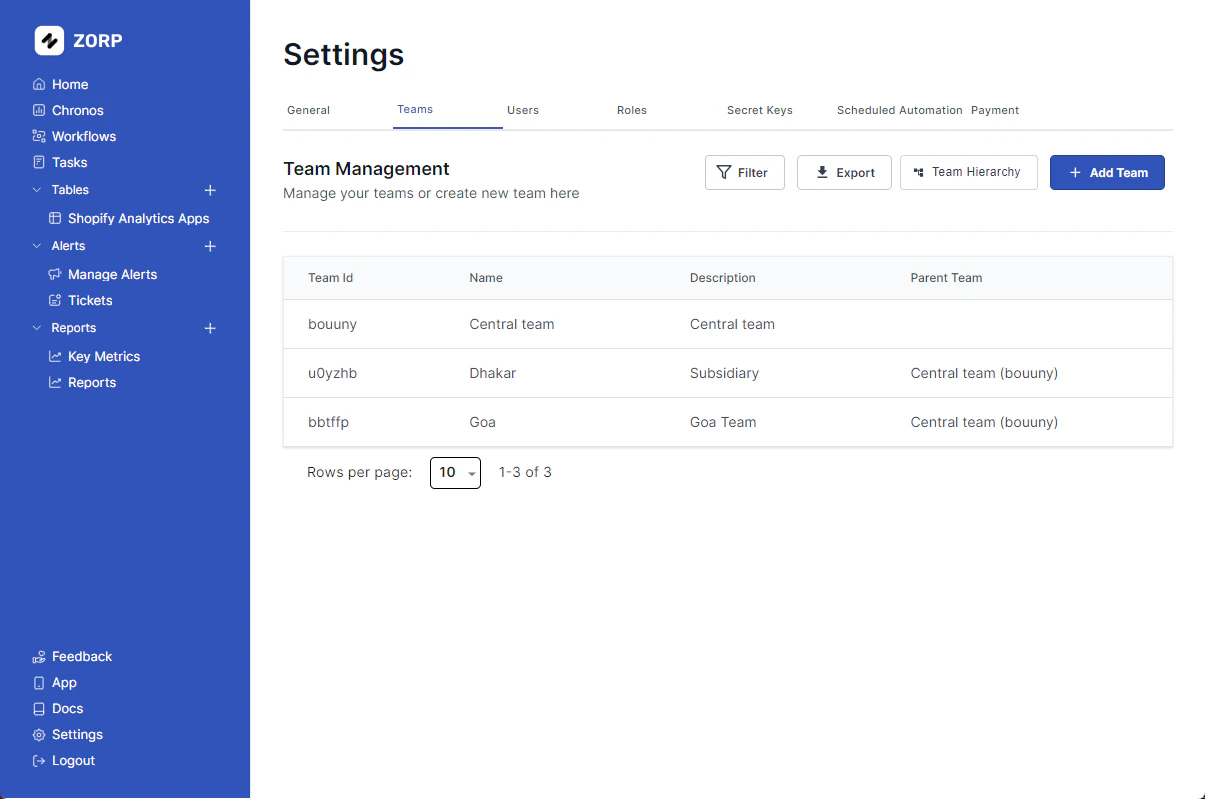 Managing teams is a critical part of any organization. ERPLite let’s you assign teams to your users and manage their access to the platform.
Adding a New Team
Follow these steps to add a new team into the mix
- Head over to the
settings tab on the left sidebar.
- Click on the
Teams tab.
- Click on
Add Team .
- Fill in all necessary details.
- Hit
Create Team .
You have successfully, added a new team.
Deleting a Team
Follow these steps to delete an unwanted team from the hierarchy.
- Click on the team you want to delete.
- Click on
Delete .
There you go!
Cool Add Ons
Got 1000+ Teams? No worries! Apply Filter and save time.
You can also Export your team hierarchy. Just saying. 
